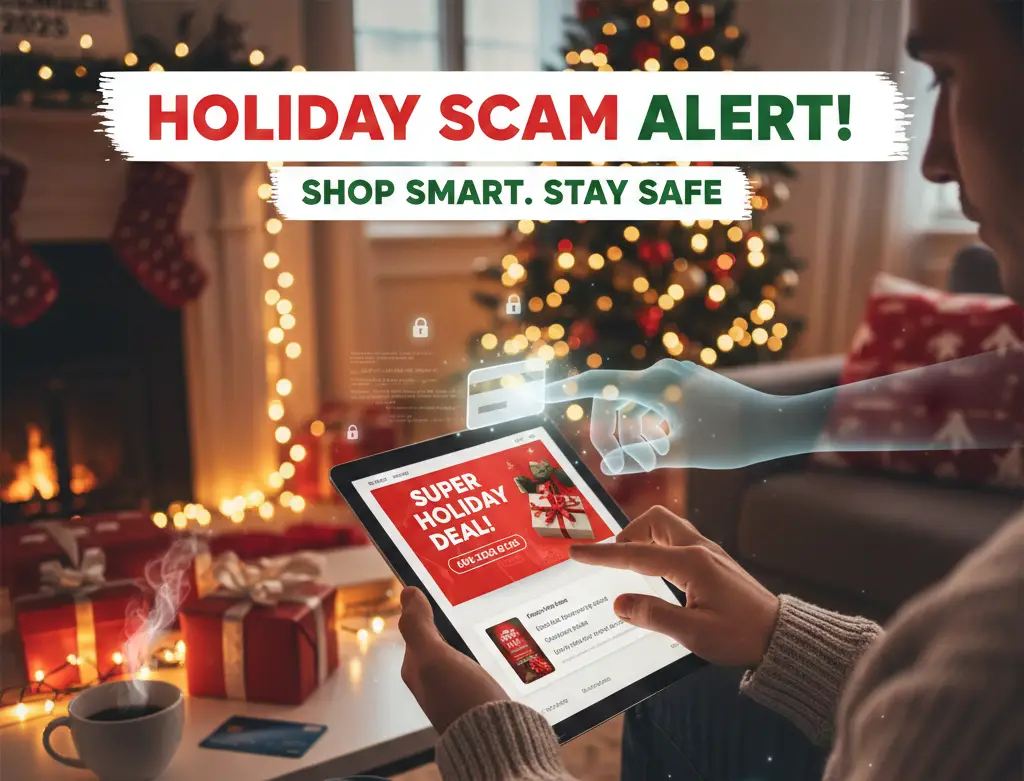
The holidays are the most wonderful time of the year — and also one of the busiest for online scammers. As you hunt for the perfect gift, take a few simple steps to protect your money and your personal information.
1. Shop Smart and Stick With Trusted Retailers
- Buy directly from official websites or well-known stores. Be cautious of unfamiliar sites with prices that seem too good to be true – they often are.
- Compare prices before you buy. Knowing what an item normally costs helps you spot suspicious deals or counterfeit products.
- Look out for website clones: Always check the web address when shopping and watch out for website clones that might have a name like a real retailer (amazon_deals.co, for example).
2. Protect Your Payment and Personal Info
- Share only what’s necessary. If a retailer asks for more personal info than you’re comfortable providing, shop elsewhere.
- Use credit cards. They often include stronger fraud protection than debit cards.
- Watch out for weird payment requests: Any retailer that doesn’t accept major credit cards is suspect, like if they want payment through Zelle, Cash app, or cryptocurrency (like bitcoin).
3. Secure Your Accounts
- Use a strong, unique password at least 16 characters for each shopping or banking account — and store them in a password manager.
- Turn on multifactor authentication (MFA) wherever possible for extra protection.
- Keep your devices up to date with the latest software and security patches.
4. Watch Out for Scams and other CyberGrinches
- Be skeptical of emails, texts, or ads that offer unbelievable deals or ask for personal info. They may be phishing attempts.
- Avoid buying from resale sites where automated “Grinch Bots” hoard popular items and resell them at inflated prices — often with higher risk of fraud.
- Report suspicious messages to your email provider or IT team.
- Look out for delivery scam texts: Look out for text messages from USPS, FedEx, UPS, and DHL asking for tracking numbers or payment, or announcing delivery delays. Shipping companies won’t ask for extra “fees” for products you order online – check with the merchant for updated tracking information.
5. Monitor Your Accounts
- Check your bank and credit card statements regularly. Flag and report any unfamiliar charges right away.
- Set up transaction alerts to catch fraudulent activity quickly.
- Freeze your credit by default with the 3 major credit bureaus (Equifax, Experion, and TransUnion) and unfreeze it when applying for credit. It’s free and doesn’t impact your credit score!
6. Stay Safe While Shopping on Social Media
Social media platforms can make holiday shopping feel fast and fun, but they’re also prime territory for scams. Fake accounts and ads can lead to fake products or phishing sites. Before clicking “Buy Now,” double-check:
- Is the account verified? Check the profile’s history of the seller.
- Check websites: Does the store have a legitimate website with clear contact information? Go beyond the social media marketplace.
- Read reviews closely: Are reviews consistent and authentic looking?
- Be extra careful on social media: There are many scam ads offered through social media, so look through reviews and do more research before purchasing.
If something feels off, don’t click the link or continue corresponding with the seller.
Keep the Cyber Spirit All Year Long
Good online shopping habits are actually smart practices to follow all year round.
Give yourself the gift of peace of mind: stay alert, stay secure, and make cybersecurity part of your everyday routine. If you want to protect yourself, your family, or your business, understanding these threats is the first step. Here’s what you need to know.
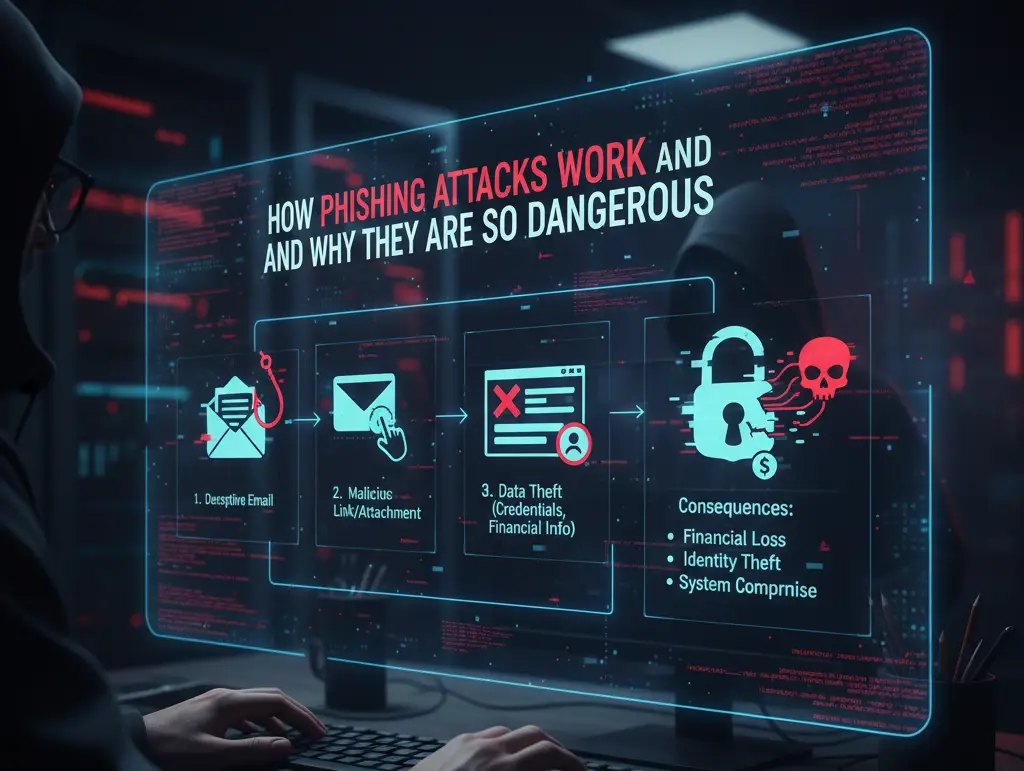
1. Phishing: The #1 Way Hackers Steal Your Information
Phishing is when attackers trick you into giving away sensitive information — login credentials, credit card numbers, even social security info. And in 2025, phishing isn’t limited to bad emails full of typos anymore.
Common Phishing Tactics
- Email impersonation: Fake emails pretending to be from Amazon, Microsoft, or your bank.
- SMS phishing (“smishing”): “Your package is delayed. Click here to reschedule.”
- Voice phishing (“vishing”): Automated calls pretending to be law enforcement or the IRS.
- QR code scams: Fake codes in stores or parking lots that direct you to malicious sites.
- Fake social media accounts: Scammers impersonate businesses, friends, or support pages.
How to Protect Yourself
- Never click unexpected links.
- Double-check the sender’s email or phone number.
- Enable multi-factor authentication (MFA) everywhere.
- Use a password manager instead of reusing passwords.
If something feels suspicious, assume it is.
2. The Dark Web: Where Stolen Information Gets Sold
The dark web is a hidden part of the internet accessible only through special browsers. While it’s not illegal by itself, it’s where most cybercriminal marketplaces operate.
What Gets Sold on the Dark Web
- Stolen credit card numbers
- Bank logins and PayPal accounts
- Social Security numbers
- Leaked passwords
- Hacked Netflix, Amazon, or gaming accounts
- Malware tools and hacking services
Your information can end up on the dark web even if you didn’t do anything wrong. A company you use can experience a data breach, and your email, password, and address may be leaked without your knowledge.
How to Protect Yourself
- Use a dark web monitoring service (many identity apps include this).
- Change passwords immediately after any data breach notice.
- Avoid using the same email/password combo across multiple websites.
3. Identity Theft: Still One of the Fastest-Growing Crimes
Cybercriminals don’t just want your passwords — they want your identity.
Once they have enough information about you, they can:
- Open credit cards in your name
- File fake tax returns
- Apply for loans
- Access your online accounts
- Lock you out of your own services
Warning Signs of Identity Theft
- Unexpected credit inquiries
- Emails saying “your password was changed”
- Missing mail or strange bills
- Bank transactions you don’t recognize
Use credit monitoring and freeze your credit if you’re not applying for loans.
4. Malware & Ransomware: Not Just a Business Problem
Ransomware used to only target large companies — now attackers target consumers as well.
Common Ways Malware Spreads
- Downloading free apps or games from untrusted sites
- Clicking fake browser update pop-ups
- Plugging in unknown USB drives
- Visiting hacked websites
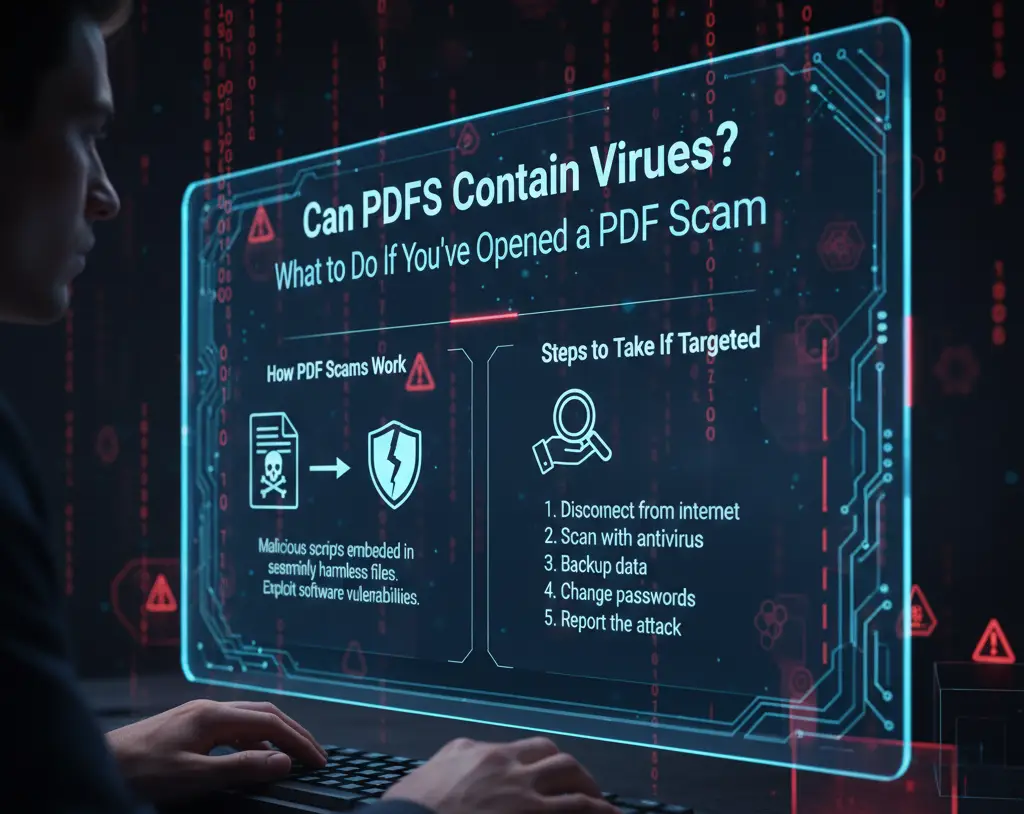
- Opening infected email attachments
How to Protect Yourself
- Keep all devices updated
- Avoid pirated software
- Use reputable antivirus/antimalware tools
- Backup your files regularly
- Don’t click “allow notifications” on unknown sites
5. Public Wi-Fi: Convenient but Dangerous
Public networks — hotels, airports, coffee shops — are gold mines for hackers.
With simple tools, attackers can intercept your data or mimic the network you think you’re connecting to.
Stay Safe on Public Wi-Fi
- Never access banking websites on public networks
- Use a VPN to encrypt your internet usage
- Disable auto-connect on your phone/laptop
- Treat all public networks as unsecure
6. Social Media Scams: The Silent Danger
Cybercriminals study your social media to guess passwords, impersonate you, or send phishing messages to your friends.
Protect Your Social Presence
- Avoid posting personal details like your address or birthday
- Make profiles private
- Watch out for duplicate friend requests
- Turn off location tagging
7. Best Internet Security Practices for Everyday Users
Whether you’re browsing the web, running a business, or just using email, here are the golden rules:
Essential Cybersecurity Checklist
- Use long, unique passwords
- Enable MFA everywhere
- Keep devices updated
- Backup important files
- Don’t overshare online
- Stick to trusted websites
- Avoid clicking unknown links
- Use antivirus and a VPN
- Regularly check your accounts for unusual activity
Staying safe online isn’t about paranoia — it’s about awareness.
Final Thoughts: The Internet Isn’t Getting Safer — But You Can Be
Cyber threats evolve every year, but with the right habits, you can protect yourself and stay a step ahead of attackers. The key is consistency: update your devices, watch for phishing, and think twice before clicking anything suspicious.
If you run a business, taking security seriously isn’t optional anymore — it’s a requirement.